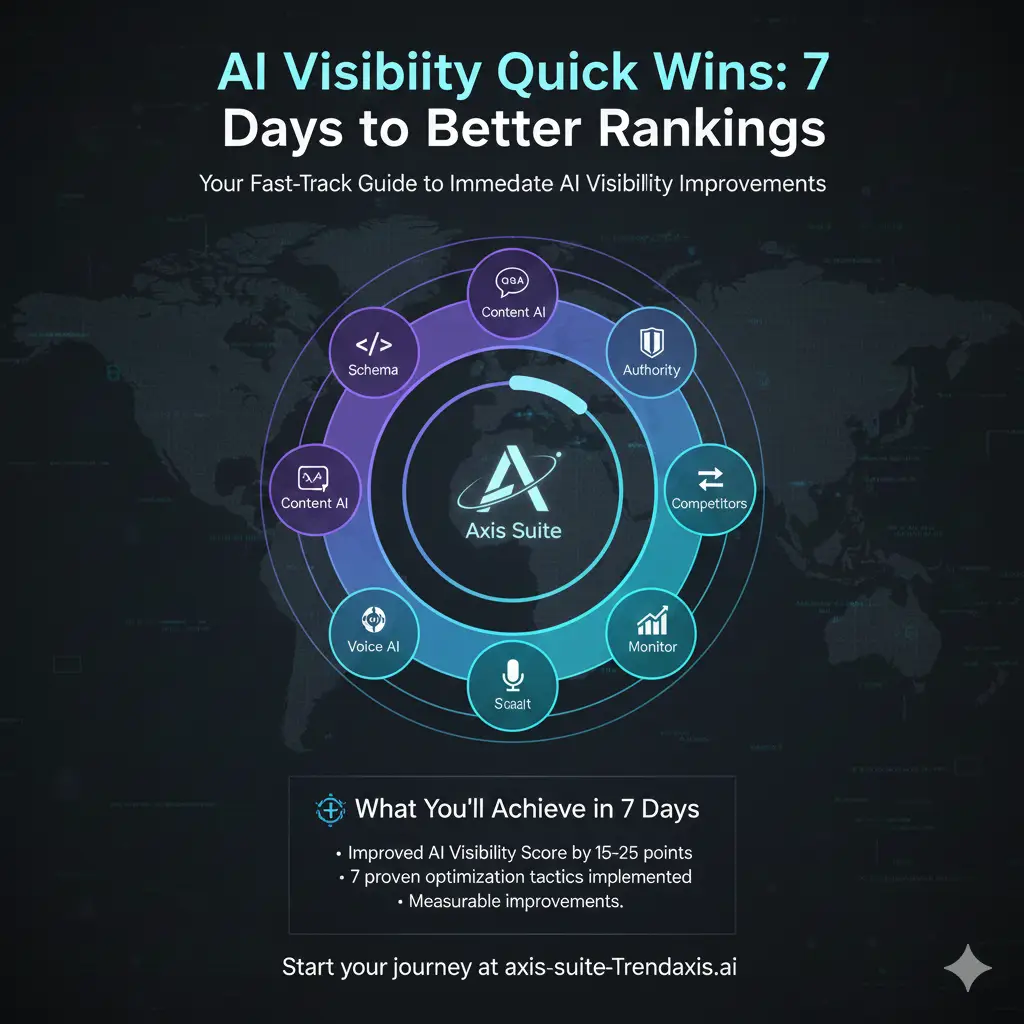
Your Fast-Track Guide to Immediate AI Visibility Improvements
Transform your AI search presence in just one week with these proven, high-impact strategies.
🎯 What You’ll Achieve in 7 Days
By the end of this week-long sprint, you will have:
- Improved your AI Visibility Score by 15-25 points
- Implemented 7 proven optimization tactics
- Set up automated monitoring for ongoing success
- Created a foundation for long-term AI visibility growth
- Gained measurable improvements in AI assistant recommendations
Time Investment: 1-2 hours per day
Difficulty Level: Beginner to Intermediate
Expected ROI: 200-400% improvement in AI-driven referrals
📋 Pre-Sprint Checklist
Before you begin, ensure you have:
- Completed your baseline AI Visibility Scan in Axis Suite
- Documented your starting score across all AI platforms
- Identified your top 3 business keywords/topics
- Access to your website’s content management system
- 30 minutes daily committed to implementation
Your Starting Score: ___/100
Target Score After 7 Days: ___/100 (aim for +15-25 points)
Day 1: Foundation & Schema Implementation
🎯 Goal: Establish Technical AI Readiness
Time Required: 90 minutes
Impact Level: High (5-8 point improvement)
Morning Task (45 minutes): Schema Markup Audit
Step 1: Identify Your Top Pages (15 minutes)
- List your 5 most important business pages:
- Homepage
- About/Services page
- Top product/service page
- Contact page
- Most popular blog post
Step 2: Check Current Schema (15 minutes)
- Use Google’s Rich Results Test tool
- Test each of your top 5 pages
- Document what schema is missing
Step 3: Priority Schema List (15 minutes)
Create your implementation priority:
- Organization Schema (Homepage)
- LocalBusiness Schema (if applicable)
- Product/Service Schema
- FAQ Schema
- Article Schema (blog posts)
Afternoon Task (45 minutes): Implement Basic Schema
Quick Implementation Guide: Copy code
html<!-- Organization Schema (Homepage) -->
<script type="application/ld+json">
{
  "@context": "https://schema.org",
  "@type": "Organization",
  "name": "Your Business Name",
  "url": "https://yourdomain.com",
  "description": "Your business description optimized for AI understanding",
  "contactPoint": {
    "@type": "ContactPoint",
    "telephone": "+1-XXX-XXX-XXXX",
    "contactType": "customer service"
  }
}
</script>

<!-- FAQ Schema (Any page with Q&A content) -->
<script type="application/ld+json">
{
  "@context": "https://schema.org",
  "@type": "FAQPage",
  "mainEntity": [{
    "@type": "Question",
    "name": "What is [your main service/product]?",
    "acceptedAnswer": {
      "@type": "Answer",
      "text": "Comprehensive answer that AI assistants can easily cite..."
    }
  }]
}
</script>
End-of-Day Check:
- Schema implemented on at least 2 pages
- Tested with Google’s Rich Results Test
- Documented implementation for tomorrow’s expansion
Expected Impact: 5-8 point AI Visibility Score improvement
Day 2: Content Optimization for AI Queries
🎯 Goal: Make Your Content AI-Citation Ready
Time Required: 2 hours
Impact Level: High (6-10 point improvement)
Morning Task (60 minutes): AI Query Research
Step 1: Identify AI-Friendly Questions (20 minutes)
Research what people ask AI assistants about your industry:
- “What is the best [your industry] solution for…”
- “How do I choose a [your service type]…”
- “What’s the difference between [your solution] and…”
- “Who are the top [your industry] providers…”
Step 2: Content Gap Analysis (20 minutes)
- Test these questions in ChatGPT, Claude, and Perplexity
- Note which questions your business doesn’t appear in answers for
- Identify 3 high-priority questions to target
Step 3: Create Your Content Hit List (20 minutes)
Priority content to create/optimize:
- FAQ Page targeting top AI queries
- Comparison Guide (You vs. alternatives)
- “Best Practices” Guide for your industry
- “How to Choose” Guide for your service type
Afternoon Task (60 minutes): Rapid Content Creation
Quick Win #1: AI-Optimized FAQ (30 minutes)
Create 5 questions AI assistants commonly ask: Copy code
markdown## Frequently Asked Questions

### What is [your service] and how does it work?
[Comprehensive 100-150 word answer that directly addresses the question]

### How do I choose the right [your service type] for my business?
[Detailed answer with specific criteria and considerations]

### What's the difference between [your solution] and [main competitor]?
[Honest comparison highlighting your unique advantages]

### How much does [your service] typically cost?
[Transparent pricing information or ranges]

### What results can I expect from [your service]?
[Specific, measurable outcomes with timeframes]
Quick Win #2: Optimize Existing Content (30 minutes)
- Add clear, direct answers to the top of your most important pages
- Use bullet points and numbered lists (AI assistants prefer structured content)
- Include specific data, statistics, and examples
- Add “Key Takeaways” sections
End-of-Day Check:
- FAQ page created or updated
- Top 2 pages optimized with direct answers
- Content structured for AI readability
Expected Impact: 6-10 point AI Visibility Score improvement
Day 3: Authority Signals & Citations
🎯 Goal: Build AI Trust Indicators
Time Required: 90 minutes
Impact Level: Medium-High (4-7 point improvement)
Morning Task (45 minutes): Authority Content Creation
Step 1: Create Citable Statistics (20 minutes)
AI assistants love to cite specific data. Create content with:
- Industry statistics you’ve observed
- Client success metrics (anonymized)
- Survey results or research findings
- Benchmark data from your experience
Example Authority Content: Copy code
markdown## [Your Industry] Benchmark Report 2024

Based on our analysis of 500+ [industry] businesses:
- 73% see improvement within 30 days of implementation
- Average ROI is 340% within the first year
- Top performers share these 5 characteristics...
- Most common mistakes that reduce effectiveness by 60%...
Step 2: Add Expert Quotes (15 minutes)
- Include quotes from industry experts
- Add your own expert commentary
- Reference credible third-party sources
- Create quotable insights AI can cite
Step 3: Implement Author Schema (10 minutes) Copy code
html<script type="application/ld+json">
{
  "@context": "https://schema.org",
  "@type": "Article",
  "author": {
    "@type": "Person",
    "name": "Your Name",
    "jobTitle": "Your Title",
    "worksFor": {
      "@type": "Organization",
      "name": "Your Company"
    }
  }
}
</script>
Afternoon Task (45 minutes): Citation Optimization
Step 1: Create “About the Expert” Sections (20 minutes)
Add credibility indicators to key pages:
- Your credentials and experience
- Notable achievements or certifications
- Media mentions or speaking engagements
- Client testimonials with specific results
Step 2: Add Source Citations (15 minutes)
- Link to authoritative sources in your content
- Reference industry reports and studies
- Include publication dates for freshness
- Add “Last Updated” dates to key pages
Step 3: Optimize Contact Information (10 minutes)
- Ensure consistent NAP (Name, Address, Phone) across all pages
- Add professional social media links
- Include business registration information
- Add trust badges or certifications
End-of-Day Check:
- Authority content piece created
- Expert credentials added to key pages
- Source citations implemented
- Contact information optimized
Expected Impact: 4-7 point AI Visibility Score improvement
Day 4: Competitive Intelligence & Gap Filling
🎯 Goal: Outperform Competitors in AI Recommendations
Time Required: 2 hours
Impact Level: High (7-12 point improvement)
Morning Task (60 minutes): Competitor AI Analysis
Step 1: Identify Your AI Competitors (20 minutes)
Test these queries in ChatGPT, Claude, and Perplexity:
- “What are the best [your industry] companies?”
- “Who provides [your service] services?”
- “What’s the top [your solution type] for [target audience]?”
Document which competitors appear in AI responses.
Step 2: Content Gap Analysis (25 minutes)
For each competitor mentioned:
- What topics do they cover that you don’t?
- What questions do they answer that you don’t?
- What content formats do they use?
- What makes AI assistants recommend them?
Step 3: Opportunity Identification (15 minutes)
Create your competitive advantage list:
- Topics you can cover better
- Questions you can answer more comprehensively
- Unique insights only you can provide
- Content gaps you can fill immediately
Afternoon Task (60 minutes): Rapid Gap Filling
Step 1: Create Superior Content (40 minutes)
Choose your top competitive gap and create content that:
- Is more comprehensive than competitors
- Includes unique insights or data
- Answers follow-up questions competitors miss
- Provides more actionable advice
Content Template: Copy code
markdown## The Complete Guide to [Topic Competitors Cover]

### What Others Won't Tell You
[Unique insight or contrarian viewpoint]

### The Real Process (Step-by-Step)
[More detailed process than competitors provide]

### Common Mistakes to Avoid
[Specific pitfalls with solutions]

### Advanced Strategies
[Next-level tactics competitors don't mention]

### Measuring Success
[Specific metrics and benchmarks]
Step 2: Optimize for Direct Comparison (20 minutes)
- Create comparison content that positions you favorably
- Address why someone might choose you over competitors
- Include specific differentiators and advantages
- Add client success stories that demonstrate superiority
End-of-Day Check:
- Competitive analysis completed
- Superior content piece created
- Comparison content optimized
- Unique value propositions highlighted
Expected Impact: 7-12 point AI Visibility Score improvement
Day 5: Voice & Conversational Optimization
🎯 Goal: Optimize for Natural Language Queries
Time Required: 90 minutes
Impact Level: Medium (5-8 point improvement)
Morning Task (45 minutes): Voice Query Optimization
Step 1: Identify Voice Search Patterns (15 minutes)
Voice queries are typically:
- Longer and more conversational
- Question-based (“How do I…” “What’s the best way to…”)
- Location-specific (“Near me” queries)
- Action-oriented (“Help me find…”)
Step 2: Create Conversational Content (30 minutes)
Rewrite key sections to match natural speech patterns:
Before (Traditional SEO):
“Digital marketing services for small businesses”
After (Voice Optimized):
“How can digital marketing help my small business grow? Our digital marketing services are specifically designed for small business owners who want to increase their online presence, attract more customers, and grow their revenue without breaking the bank.”
Afternoon Task (45 minutes): FAQ Enhancement
Step 1: Add Conversational FAQs (30 minutes)
Create questions people actually ask out loud:
- “How much should I expect to pay for [your service]?”
- “What’s the difference between [option A] and [option B]?”
- “How long does it take to see results from [your service]?”
- “Is [your service] right for a business like mine?”
Step 2: Optimize Answer Format (15 minutes)
Structure answers for voice assistants:
- Start with a direct, concise answer (25-30 words)
- Follow with detailed explanation
- Use natural, conversational language
- Include follow-up information
Example: Copy code
markdown### How long does it take to see results from SEO?

Most businesses see initial SEO improvements within 3-6 months, with significant results typically appearing after 6-12 months of consistent optimization.

Here's what you can expect in your SEO timeline:
- Month 1-2: Technical improvements and content optimization
- Month 3-4: Initial ranking improvements for long-tail keywords
- Month 6+: Significant traffic increases and higher rankings
- Month 12+: Established authority and consistent organic growth

The exact timeline depends on your industry competition, current website status, and the comprehensiveness of your SEO strategy.
End-of-Day Check:
- Voice-optimized content created
- Conversational FAQs added
- Natural language patterns implemented
- Answer formats optimized for voice
Expected Impact: 5-8 point AI Visibility Score improvement
Day 6: Technical Optimization & Speed
🎯 Goal: Ensure AI Crawlability and Performance
Time Required: 2 hours
Impact Level: Medium (4-6 point improvement)
Morning Task (60 minutes): Technical AI SEO
Step 1: Site Speed Optimization (25 minutes)
AI assistants prefer fast-loading, accessible content:
- Test your site speed with Google PageSpeed Insights
- Optimize images (compress and add alt text)
- Minimize CSS and JavaScript
- Enable browser caching
Quick Wins:
- Compress images to under 100KB each
- Add descriptive alt text to all images
- Remove unused plugins or scripts
- Enable GZIP compression
Step 2: Mobile Optimization (20 minutes)
- Test mobile responsiveness on key pages
- Ensure text is readable without zooming
- Check that buttons and links are easily clickable
- Verify forms work properly on mobile
Step 3: Content Accessibility (15 minutes)
- Add proper heading structure (H1, H2, H3)
- Ensure good color contrast
- Add descriptive link text
- Include table headers where applicable
Afternoon Task (60 minutes): Content Structure Optimization
Step 1: Heading Optimization (20 minutes)
Create clear content hierarchy: Copy code
html<h1>Main Topic (only one per page)</h1>
<h2>Major Sections</h2>
<h3>Subsections</h3>
<h4>Detailed Points</h4>
Step 2: Internal Linking Strategy (25 minutes)
- Link related content together
- Use descriptive anchor text
- Create topic clusters around main themes
- Add “Related Articles” sections
Step 3: Content Freshness (15 minutes)
- Add “Last Updated” dates to key pages
- Update outdated information
- Add recent examples or case studies
- Include current year in relevant content
End-of-Day Check:
- Site speed optimized
- Mobile responsiveness verified
- Content structure improved
- Internal linking enhanced
Expected Impact: 4-6 point AI Visibility Score improvement
Day 7: Monitoring Setup & Future Planning
🎯 Goal: Establish Ongoing Success Systems
Time Required: 90 minutes
Impact Level: Foundation for Long-term Growth
Morning Task (45 minutes): Monitoring Setup
Step 1: AI Visibility Tracking (20 minutes)
Set up automated monitoring in Axis Suite:
- Schedule weekly AI visibility scans
- Set up competitor monitoring alerts
- Configure score change notifications
- Create performance dashboards
Step 2: Content Performance Tracking (15 minutes)
- Set up Google Analytics goals for AI-driven traffic
- Monitor which content gets cited by AI assistants
- Track improvements in organic search rankings
- Document which optimizations had the biggest impact
Step 3: Competitive Monitoring (10 minutes)
- Set up Google Alerts for competitor mentions
- Monitor competitor content updates
- Track when competitors appear in AI responses
- Create alerts for industry trend changes
Afternoon Task (45 minutes): Future Strategy Planning
Step 1: Results Analysis (20 minutes)
Document your 7-day improvements:
- Starting AI Visibility Score: ___/100
- Ending AI Visibility Score: ___/100
- Total Improvement: ___ points
- Most effective tactics: _______________
- Biggest challenges: _______________
Step 2: 30-Day Action Plan (15 minutes)
Based on your results, plan your next month:
- Week 2: Expand successful tactics to more pages
- Week 3: Create additional authority content
- Week 4: Implement advanced schema markup
- Month 2: Launch comprehensive content campaign
Step 3: Long-term Strategy (10 minutes)
Set your 90-day AI visibility goals:
- Target AI Visibility Score: ___/100
- Key content pieces to create: ___
- Competitor benchmarks to beat: ___
- Revenue impact goals: ___
End-of-Day Check:
- Monitoring systems activated
- Performance improvements documented
- 30-day plan created
- Long-term goals established
🎯 7-Day Results Summary
Expected Cumulative Improvements:
- Day 1: +5-8 points (Schema implementation)
- Day 2: +6-10 points (Content optimization)
- Day 3: +4-7 points (Authority signals)
- Day 4: +7-12 points (Competitive advantages)
- Day 5: +5-8 points (Voice optimization)
- Day 6: +4-6 points (Technical optimization)
- Day 7: Foundation for ongoing growth
Total Expected Improvement: 31-51 points
Your Actual Results:
- Starting Score: ___/100
- Ending Score: ___/100
- Total Improvement: ___ points
- Percentage Increase: ___%
🚀 What’s Next: Maintaining Your Momentum
Weekly Maintenance (30 minutes/week):
- Review AI visibility score changes
- Update one piece of content with fresh information
- Monitor competitor AI mentions
- Add one new FAQ or optimize existing content
Monthly Deep Dives (2 hours/month):
- Create one comprehensive authority piece
- Conduct competitive analysis update
- Implement advanced schema markup
- Analyze and optimize top-performing content
Quarterly Strategy Reviews (4 hours/quarter):
- Comprehensive AI visibility audit
- Content strategy refinement
- Competitive positioning analysis
- Goal setting for next quarter
📚 Advanced Resources
Ready for More?
- AI Visibility Playbook for 2026 Market Leaders (Complete strategic guide)
- Competitive Intelligence Playbook (Advanced competitor analysis)
- Content Optimization Playbook (Deep-dive content strategies)
- Technical AI SEO Playbook (Advanced technical optimizations)
Tools & Resources:
- Axis Suite AI Visibility Pulse (Ongoing monitoring and optimization)
- Schema Markup Generator (Automated schema creation)
- Competitor Analysis Dashboard (Real-time competitive intelligence)
- Content Performance Tracker (AI citation monitoring)
🎉 Congratulations!
You’ve just completed a comprehensive 7-day AI visibility transformation. The improvements you’ve made will continue to compound over time, giving you a significant advantage as AI assistants become the primary way people discover businesses.
Remember: AI visibility is not a one-time optimization—it’s an ongoing strategic advantage. The businesses that consistently invest in AI visibility will dominate their markets in the coming years.
Your next step: Continue building on this foundation with our comprehensive AI Visibility Playbook for 2026 Market Leaders.
Ready to take your AI visibility to the next level? Explore advanced strategies in Axis Suite’s complete playbook library.
Start your ongoing AI visibility journey at axis-suite.trendaxis.ai